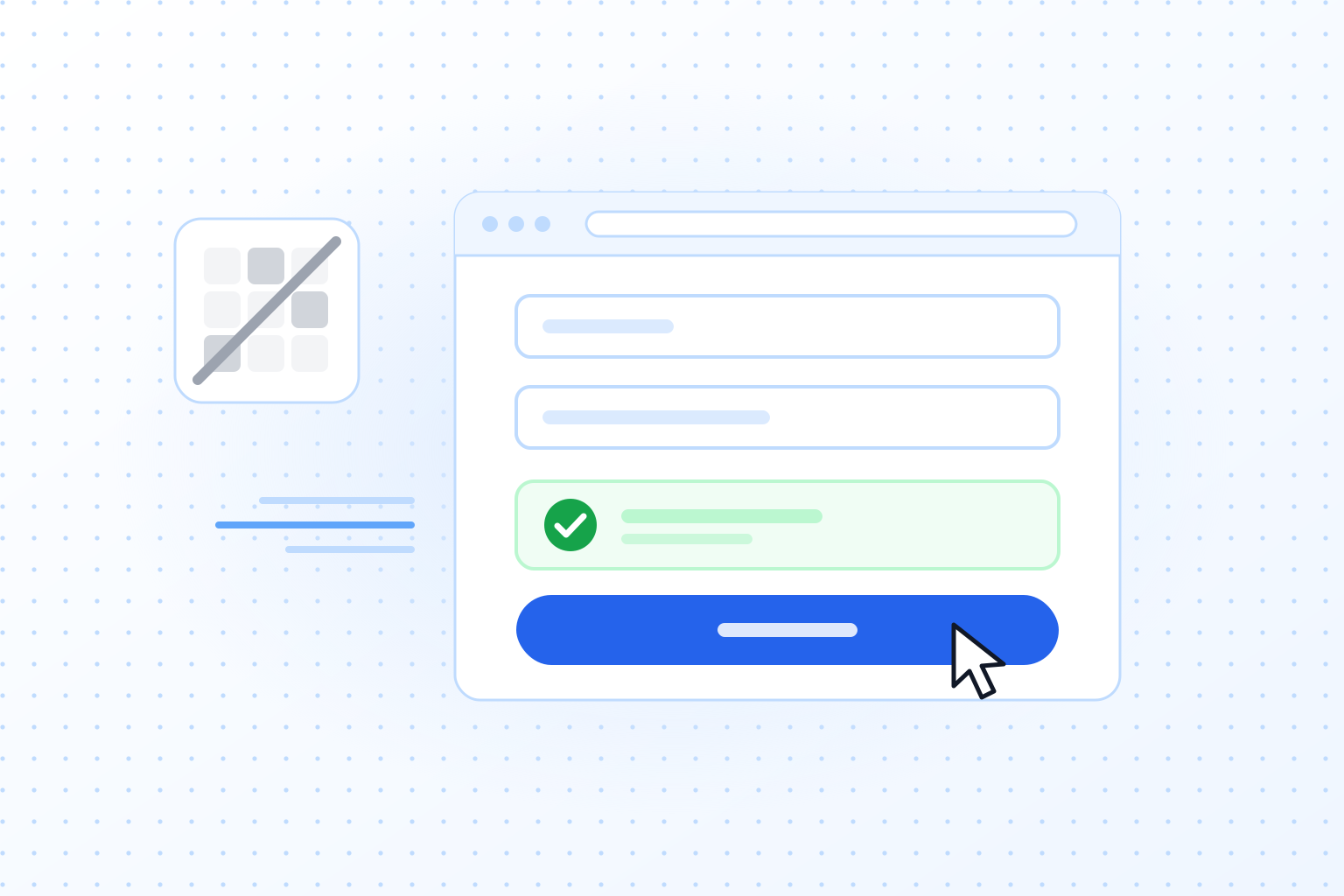
How do CAPTCHAs affect the user experience (UX)?
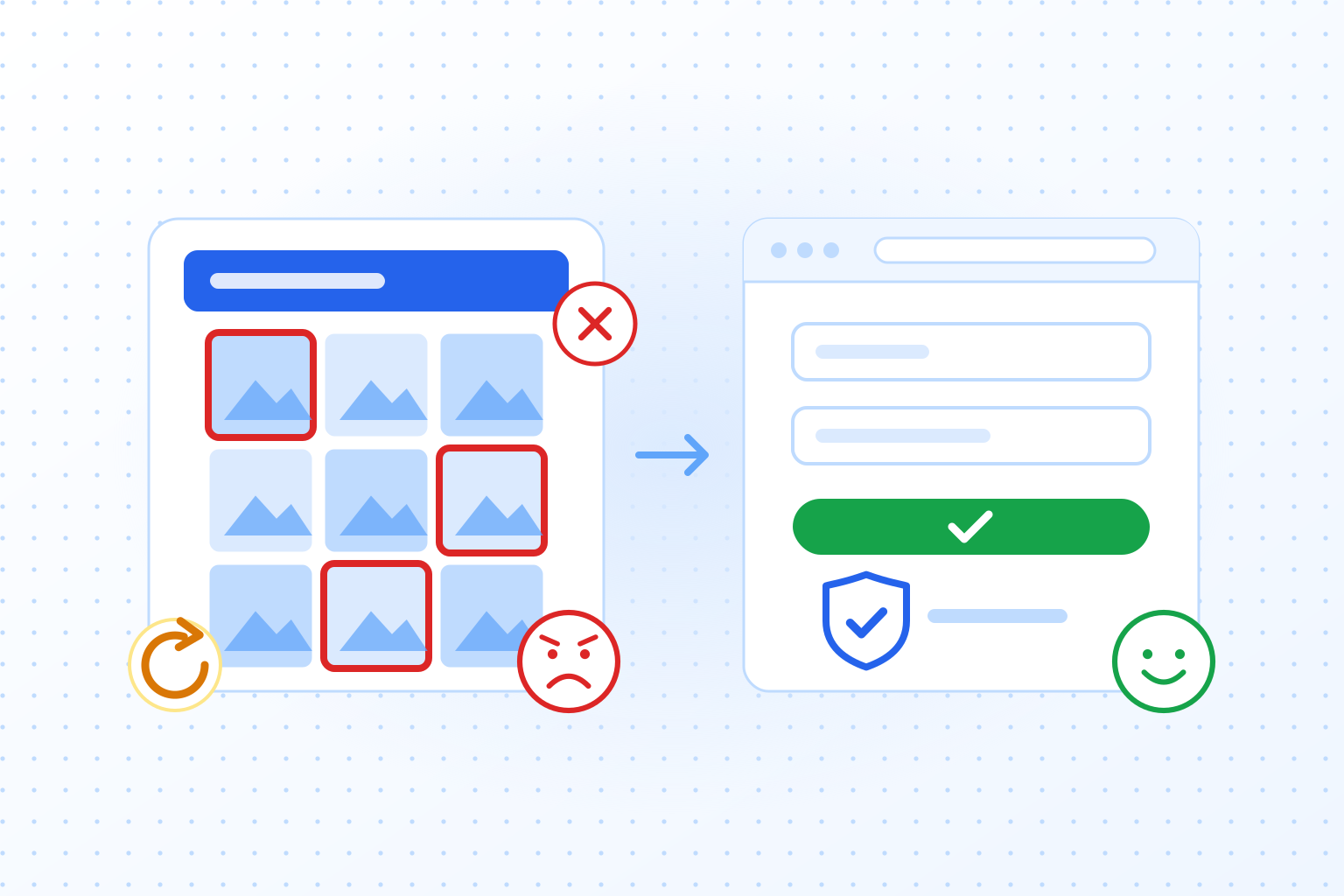
Puzzle CAPTCHAs cost time, cause mistakes and often fail more than once, which raises bounce rates and lowers conversions. The effect is strongest on phones and for people with disabilities. A CAPTCHA without a puzzle avoids most of that: it checks visitors in the background, and real users carry on without interruption. Clicking every streetlight in a grid or typing distorted letters annoys almost everyone, and it does not have to be that way. For practical design advice, see our guide to CAPTCHA UX.
What is a CAPTCHA anyway?
A CAPTCHA is a security check that confirms a person, not an automated bot, is behind an online interaction. The most common types are:
- Text-based CAPTCHAs: the user types distorted letters or numbers.
- Image-based CAPTCHAs: the user selects certain objects in an image, for example all squares with traffic lights.
- Audio CAPTCHAs: an alternative for users with impaired vision, where the user types what an audio clip says.
For a full answer to what is a CAPTCHA and how each type works, see our guide.
Challenges of traditional CAPTCHAs for the UX
Before looking at how TrustCaptcha handles this, it helps to see why traditional CAPTCHAs annoy so many people:
- Ease of use: many CAPTCHAs are frustrating and slow. Typing distorted text or finding objects in images takes time and patience, especially when the check fails and you have to start again. That happens more and more often as the puzzles get harder.
- Accessibility: people with visual or hearing impairments often struggle with CAPTCHAs. Image challenges block people who cannot see them well, and audio challenges are hard for people who cannot hear them well.
- Mobile users: CAPTCHAs are especially awkward on phones. Small screens and touch input lead to more mistakes and more frustration.
How TrustCaptcha improves the user experience
TrustCaptcha was designed with these problems in mind. Whichever CAPTCHA you choose, these are the points worth checking:
1. No annoying puzzles
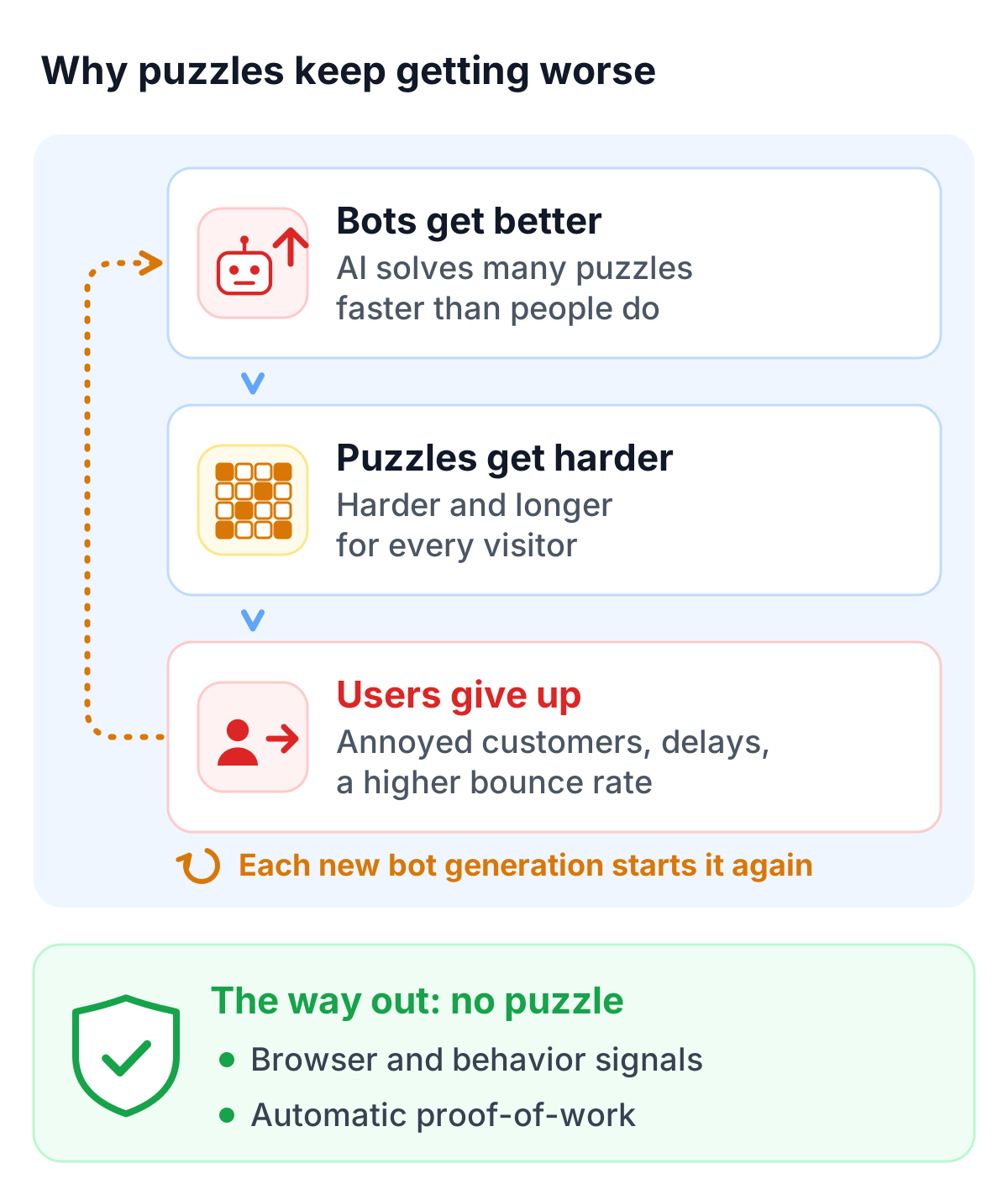
Progress in AI and image recognition means bots now solve many traditional CAPTCHAs faster than people do. Providers who stick with image puzzles have to keep making them harder and longer, which means annoyed customers, delays and a higher bounce rate. Many people already find the tasks confusing, and every new generation of bots pushes the difficulty up again. That cannot go on forever, because each step costs companies more users.
The way out is to drop image puzzles and other user tasks altogether. An invisible CAPTCHA runs in the background and does not need the user to do anything. People reach the content they came for faster and without interruption, so they are less frustrated and more likely to stay and finish what they started. TrustCaptcha works this way. It combines two independent mechanisms, an analysis of browser and behavior signals and an automatic proof-of-work task, to reach a high level of security. There are no puzzles with TrustCaptcha.
2. You decide how you deal with users
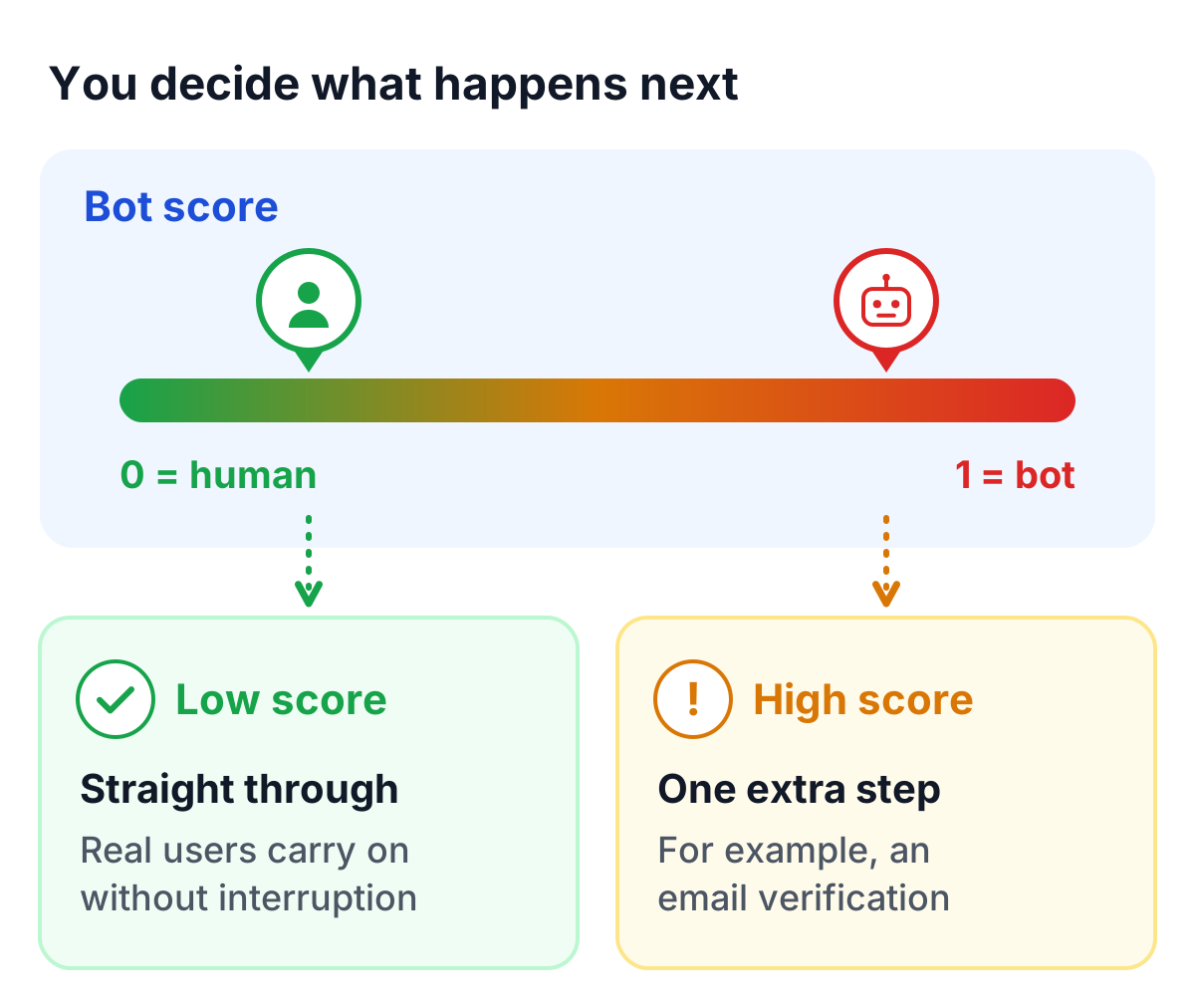
With a good CAPTCHA, you decide what to do with the result. Instead of a plain pass or fail, TrustCaptcha returns a bot score that you use to choose the next step. That allows a much finer approach. Users recognized as real people see fewer interruptions. Suspicious activity can get a closer look and an extra step, such as email verification. The result is fewer lost customers for you and a better experience for your users.
3. The trust of your customers
Trust also depends on what happens to your visitors’ data. With TrustCaptcha, all data is processed in accordance with the General Data Protection Regulation (GDPR), and the CAPTCHA servers run in data centers within the European Union. Your users can rely on their data being protected, which makes your website more trustworthy. This matters most for European companies, which have to meet strict data protection rules.
For companies that want to keep data to an absolute minimum, TrustCaptcha also offers a Minimal Data Mode on the Enterprise plan. In this mode, only the data that is strictly necessary is processed; the bot score is switched off and the proof-of-work check remains. Privacy-conscious users will appreciate that.
4. Accessibility through technology
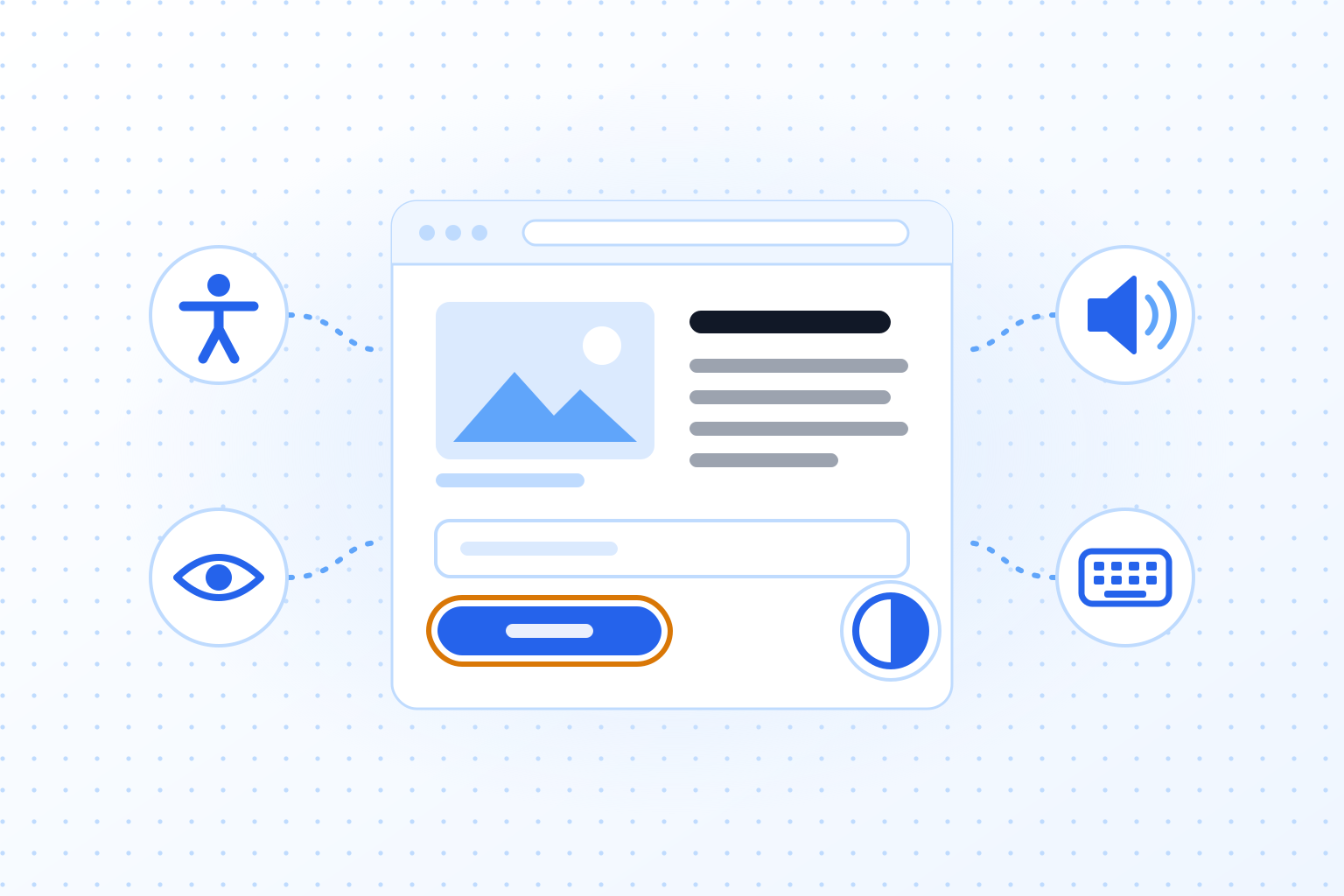
Because there is no puzzle, TrustCaptcha is an accessible CAPTCHA from the start. The design also aims for easy comprehension and readable contrast. In addition, the CAPTCHA starts automatically while the user fills in the form, so there is nothing extra to do and the check finishes sooner. That makes TrustCaptcha a good fit for all users, including people with disabilities.
5. Further benefits of TrustCaptcha
TrustCaptcha has a number of settings that improve the UX further:
- You can adjust how long the CAPTCHA takes, shorter or longer, to match your requirements and your users’ devices.
- You can put individual IP addresses or IP ranges on an allow or block list. This gives you targeted control over access and spares known users unnecessary checks.
- The CAPTCHA box comes in a light and a dark design, which you can set manually or let follow the system settings.
- TrustCaptcha is available in 37+ languages and can detect the visitor’s language automatically.
If you need a feature that is not listed here, contact us.
Try TrustCaptcha
TrustCaptcha covers each of these points: no puzzles, a widget that works for everyone, and processing in EU data centers. Teams that switch to it can expect fewer frustrated users and fewer abandoned forms.
Every plan starts with a 14-day free trial, and non-commercial websites can use TrustCaptcha for free. Start your free trial and see how it feels on your own forms.