

'%3e%3crect%20width='32'%20height='24'%20fill='white'/%3e%3cpath%20fill-rule='evenodd'%20clip-rule='evenodd'%20d='M0%200V24H32V0H0Z'%20fill='%232E42A5'/%3e%3cmask%20id='mask0_270_67386'%20style='mask-type:luminance'%20maskUnits='userSpaceOnUse'%20x='0'%20y='0'%20width='32'%20height='24'%3e%3cpath%20fill-rule='evenodd'%20clip-rule='evenodd'%20d='M0%200V24H32V0H0Z'%20fill='white'/%3e%3c/mask%3e%3cg%20mask='url(%23mask0_270_67386)'%3e%3cpath%20d='M-3.56323%2022.2854L3.47846%2025.2635L32.1597%203.23787L35.874%20-1.18761L28.344%20-2.18297L16.6456%207.3085L7.22956%2013.7035L-3.56323%2022.2854Z'%20fill='white'/%3e%3cpath%20d='M-2.59924%2024.3719L0.988173%2026.1001L34.5402%20-1.59881H29.5031L-2.59924%2024.3719Z'%20fill='%23F50100'/%3e%3cpath%20d='M35.5631%2022.2854L28.5214%2025.2635L-0.159817%203.23787L-3.87415%20-1.18761L3.65593%20-2.18297L15.3543%207.3085L24.7703%2013.7035L35.5631%2022.2854Z'%20fill='white'/%3e%3cpath%20d='M35.3229%2023.7829L31.7355%2025.5111L17.4487%2013.6518L13.2129%2012.3267L-4.23151%20-1.17246H0.805637L18.2403%2012.0063L22.8713%2013.5952L35.3229%2023.7829Z'%20fill='%23F50100'/%3e%3cmask%20id='path-7-inside-1_270_67386'%20fill='white'%3e%3cpath%20fill-rule='evenodd'%20clip-rule='evenodd'%20d='M19.7777%20-2H12.2222V8H-1.97253V16H12.2222V26H19.7777V16H34.0275V8H19.7777V-2Z'/%3e%3c/mask%3e%3cpath%20fill-rule='evenodd'%20clip-rule='evenodd'%20d='M19.7777%20-2H12.2222V8H-1.97253V16H12.2222V26H19.7777V16H34.0275V8H19.7777V-2Z'%20fill='%23F50100'/%3e%3cpath%20d='M12.2222%20-2V-4H10.2222V-2H12.2222ZM19.7777%20-2H21.7777V-4H19.7777V-2ZM12.2222%208V10H14.2222V8H12.2222ZM-1.97253%208V6H-3.97253V8H-1.97253ZM-1.97253%2016H-3.97253V18H-1.97253V16ZM12.2222%2016H14.2222V14H12.2222V16ZM12.2222%2026H10.2222V28H12.2222V26ZM19.7777%2026V28H21.7777V26H19.7777ZM19.7777%2016V14H17.7777V16H19.7777ZM34.0275%2016V18H36.0275V16H34.0275ZM34.0275%208H36.0275V6H34.0275V8ZM19.7777%208H17.7777V10H19.7777V8ZM12.2222%200H19.7777V-4H12.2222V0ZM14.2222%208V-2H10.2222V8H14.2222ZM-1.97253%2010H12.2222V6H-1.97253V10ZM0.0274658%2016V8H-3.97253V16H0.0274658ZM12.2222%2014H-1.97253V18H12.2222V14ZM14.2222%2026V16H10.2222V26H14.2222ZM19.7777%2024H12.2222V28H19.7777V24ZM17.7777%2016V26H21.7777V16H17.7777ZM34.0275%2014H19.7777V18H34.0275V14ZM32.0275%208V16H36.0275V8H32.0275ZM19.7777%2010H34.0275V6H19.7777V10ZM17.7777%20-2V8H21.7777V-2H17.7777Z'%20fill='white'%20mask='url(%23path-7-inside-1_270_67386)'/%3e%3c/g%3e%3c/g%3e%3cdefs%3e%3cclipPath%20id='clip0_270_67386'%3e%3crect%20width='32'%20height='24'%20fill='white'/%3e%3c/clipPath%3e%3c/defs%3e%3c/svg%3e)
'%3e%3crect%20width='32'%20height='24'%20fill='white'/%3e%3cpath%20fill-rule='evenodd'%20clip-rule='evenodd'%20d='M0%2016H32V24H0V16Z'%20fill='%23FFD018'/%3e%3cpath%20fill-rule='evenodd'%20clip-rule='evenodd'%20d='M0%208H32V16H0V8Z'%20fill='%23E31D1C'/%3e%3cpath%20fill-rule='evenodd'%20clip-rule='evenodd'%20d='M0%200H32V8H0V0Z'%20fill='%23272727'/%3e%3c/g%3e%3cdefs%3e%3cclipPath%20id='clip0_270_67353'%3e%3crect%20width='32'%20height='24'%20fill='white'/%3e%3c/clipPath%3e%3c/defs%3e%3c/svg%3e)
'%3e%3crect%20width='32'%20height='24'%20fill='white'/%3e%3cpath%20fill-rule='evenodd'%20clip-rule='evenodd'%20d='M22%200H32V24H22V0Z'%20fill='%23F50100'/%3e%3cpath%20fill-rule='evenodd'%20clip-rule='evenodd'%20d='M0%200H12V24H0V0Z'%20fill='%232E42A5'/%3e%3cpath%20fill-rule='evenodd'%20clip-rule='evenodd'%20d='M10%200H22V24H10V0Z'%20fill='%23F7FCFF'/%3e%3c/g%3e%3cdefs%3e%3cclipPath%20id='clip0_270_67361'%3e%3crect%20width='32'%20height='24'%20fill='white'/%3e%3c/clipPath%3e%3c/defs%3e%3c/svg%3e)
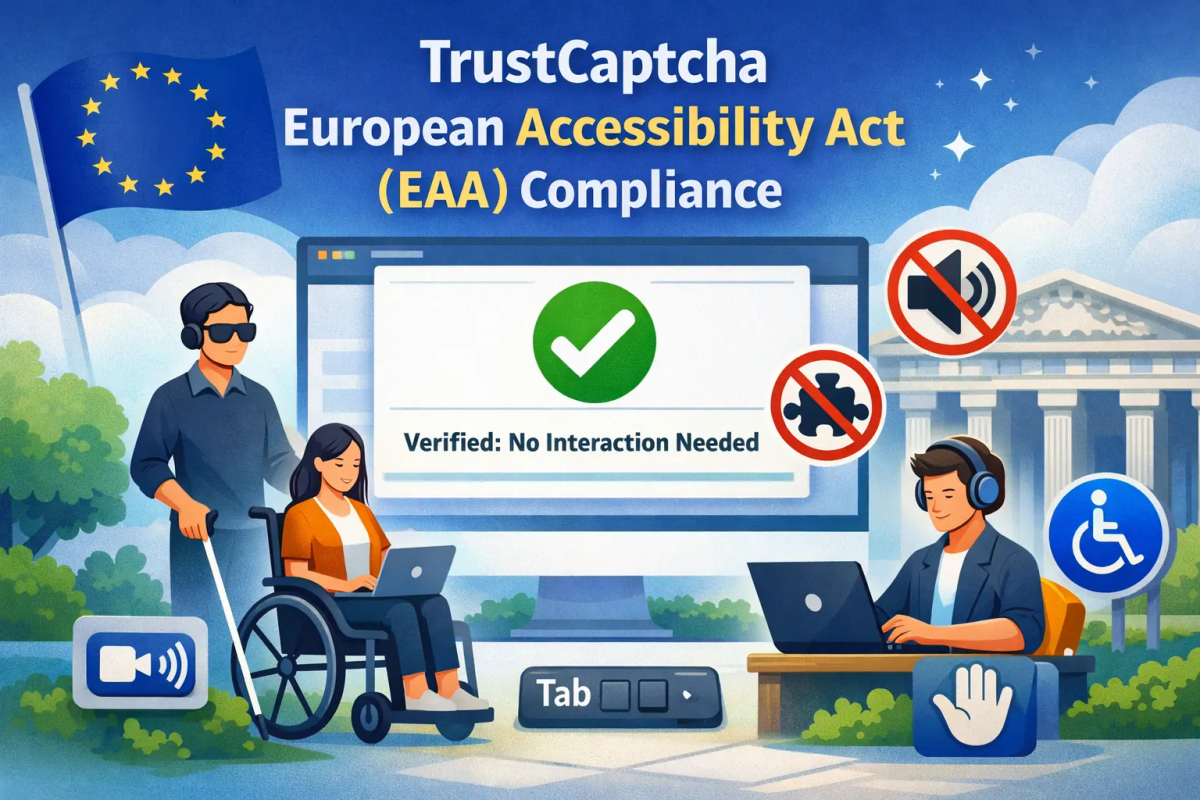
TrustCaptcha European Accessibility Act (EAA) Compliance
TrustCaptcha is designed to help organisations protect forms, logins, and digital services from automated abuse without introducing accessibility barriers. This page explains how TrustCaptcha aligns with the expectations of the European Accessibility Act (EAA) through an invisible, no-interaction CAPTCHA approach—no puzzles, no audio challenges, and no extra user steps.
The European Accessibility Act aims to ensure that covered products and services offered in the EU are usable by people with disabilities, including users of assistive technologies. Where CAPTCHA gates access to a service, it can become a high-risk area for accessibility compliance.
For reference, the EAA is set out in Directive (EU) 2019/882: https://eur-lex.europa.eu/eli/dir/2019/882/oj
What the European Accessibility Act covers
The EAA establishes accessibility requirements for a range of products and services, including many digital service journeys such as:
- Websites and web applications
- Mobile apps
- E-commerce flows (checkout, payments, account access)
- Online customer interfaces for regulated services (e.g., finance, telecom, transport)
If a security control blocks, delays, or complicates access, it must not result in discriminatory outcomes for users with disabilities.
Why CAPTCHA matters for accessibility
Traditional challenge-based CAPTCHA can create barriers such as:
- Visual dependency: image puzzles exclude blind or low-vision users
- Audio dependency: audio alternatives can be hard for users with hearing/cognitive disabilities
- Time pressure: time-limited tasks can disadvantage users with motor impairments
- Assistive tech conflicts: CAPTCHA widgets may interfere with screen readers or keyboard-only navigation
In accessibility reviews, CAPTCHA is often flagged not because bot protection is invalid, but because the implementation can prevent equal access.
TrustCaptcha’s accessibility-first approach
TrustCaptcha is an invisible CAPTCHA that performs bot detection and abuse prevention without requiring any user interaction.
There are:
- No visual puzzles
- No audio challenges
- No additional buttons or gestures
- No timing-based tasks
- No disruption to keyboard navigation
- No new UI that needs to be interpreted by assistive technologies
Users complete the flow normally while TrustCaptcha evaluates risk in the background.
How TrustCaptcha aligns with accessibility principles
Perceivable
Accessibility expects content and tasks to be perceivable to users with different sensory abilities. TrustCaptcha does not introduce new content that must be seen or heard to proceed.
- No required images to interpret
- No audio prompts to decode
- No CAPTCHA instruction text that becomes a “gate”
Operable
Users must be able to operate the interface using different input methods. TrustCaptcha does not add interaction steps.
- No mouse-dependent tasks
- No gesture-based challenges
- No keyboard traps introduced
Understandable
Interfaces should be predictable and easy to understand. TrustCaptcha does not add an extra “prove you’re human” step or complexity to the user journey.
- No puzzle instructions
- No cognitive load from challenge solving
- No confusing fallbacks
Robust
Services should remain compatible with assistive technologies as they evolve. TrustCaptcha avoids UI widgets that commonly create compatibility issues.
- Background-based verification
- Minimal interference with assistive technology workflows
Invisible CAPTCHA vs. challenge-based CAPTCHA
| Aspect | Traditional CAPTCHA | TrustCaptcha |
|---|---|---|
| User interaction | Required | None |
| Visual dependency | Often | No |
| Audio alternative dependency | Often | Not needed |
| Screen reader impact | Higher risk | Minimal impact |
| Cognitive/motor burden | Medium to high | Minimal |
| Accessibility risk | Elevated | Reduced |
Scope of responsibility
Your role as service provider
If your service is in scope under the EAA, you are responsible for end-to-end accessibility. This typically includes:
- Selecting accessibility-friendly security controls
- Ensuring security measures do not block equal access
- Documenting how accessibility is supported
TrustCaptcha’s role
TrustCaptcha supports accessibility goals by avoiding challenge-based gating mechanisms and reducing friction for users of assistive technologies.
Documentation and accessibility statements
When documenting accessibility posture, it can be helpful to note:
- Bot protection is implemented using an invisible, non-interactive mechanism
- No user action or challenge completion is required
- The control does not require perceiving visual or audio content to proceed
This can simplify procurement checks, accessibility audits, and compliance records by reducing the need for alternative access paths.
Compatibility with WCAG-aligned expectations
While the EAA is the legal framework, many accessibility programmes use WCAG-aligned testing and reporting. Challenge-based CAPTCHA commonly triggers WCAG-related risks (e.g., non-text content, time limits, keyboard accessibility, assistive tech compatibility).
TrustCaptcha reduces these risks by eliminating challenge UI and allowing the primary user flow to remain unchanged.
Accessibility complaints and user support
Accessibility-related complaints frequently arise when CAPTCHA prevents users from completing essential tasks. Because TrustCaptcha does not present a challenge step:
- Users are less likely to be blocked due to disability-related limitations
- Support teams receive fewer CAPTCHA-related accessibility complaints
- There is less need for manual bypass processes
European Accessibility Act readiness checklist
Technical implementation
- CAPTCHA requires no user interaction
- No visual or audio challenges are presented
- No keyboard, timing, or motor constraints introduced
Accessibility governance
- Bot protection is documented as invisible and non-interactive
- Accessibility statements reflect the actual implementation
- User journeys remain consistent for assistive technology users
Risk reduction
- Reduced likelihood of accessibility barriers at critical steps (login, signup, checkout)
- Lower audit complexity for security-related gates
- Improved experience for all users
Next steps
TrustCaptcha supports European Accessibility Act expectations by reducing barriers commonly introduced by challenge-based CAPTCHA. The best compliance outcome comes from pairing this approach with your broader accessibility programme: accessible front-end patterns, assistive technology testing, and clear accessibility documentation.