

'%3e%3crect%20width='32'%20height='24'%20fill='white'/%3e%3cpath%20fill-rule='evenodd'%20clip-rule='evenodd'%20d='M0%200V24H32V0H0Z'%20fill='%232E42A5'/%3e%3cmask%20id='mask0_270_67386'%20style='mask-type:luminance'%20maskUnits='userSpaceOnUse'%20x='0'%20y='0'%20width='32'%20height='24'%3e%3cpath%20fill-rule='evenodd'%20clip-rule='evenodd'%20d='M0%200V24H32V0H0Z'%20fill='white'/%3e%3c/mask%3e%3cg%20mask='url(%23mask0_270_67386)'%3e%3cpath%20d='M-3.56323%2022.2854L3.47846%2025.2635L32.1597%203.23787L35.874%20-1.18761L28.344%20-2.18297L16.6456%207.3085L7.22956%2013.7035L-3.56323%2022.2854Z'%20fill='white'/%3e%3cpath%20d='M-2.59924%2024.3719L0.988173%2026.1001L34.5402%20-1.59881H29.5031L-2.59924%2024.3719Z'%20fill='%23F50100'/%3e%3cpath%20d='M35.5631%2022.2854L28.5214%2025.2635L-0.159817%203.23787L-3.87415%20-1.18761L3.65593%20-2.18297L15.3543%207.3085L24.7703%2013.7035L35.5631%2022.2854Z'%20fill='white'/%3e%3cpath%20d='M35.3229%2023.7829L31.7355%2025.5111L17.4487%2013.6518L13.2129%2012.3267L-4.23151%20-1.17246H0.805637L18.2403%2012.0063L22.8713%2013.5952L35.3229%2023.7829Z'%20fill='%23F50100'/%3e%3cmask%20id='path-7-inside-1_270_67386'%20fill='white'%3e%3cpath%20fill-rule='evenodd'%20clip-rule='evenodd'%20d='M19.7777%20-2H12.2222V8H-1.97253V16H12.2222V26H19.7777V16H34.0275V8H19.7777V-2Z'/%3e%3c/mask%3e%3cpath%20fill-rule='evenodd'%20clip-rule='evenodd'%20d='M19.7777%20-2H12.2222V8H-1.97253V16H12.2222V26H19.7777V16H34.0275V8H19.7777V-2Z'%20fill='%23F50100'/%3e%3cpath%20d='M12.2222%20-2V-4H10.2222V-2H12.2222ZM19.7777%20-2H21.7777V-4H19.7777V-2ZM12.2222%208V10H14.2222V8H12.2222ZM-1.97253%208V6H-3.97253V8H-1.97253ZM-1.97253%2016H-3.97253V18H-1.97253V16ZM12.2222%2016H14.2222V14H12.2222V16ZM12.2222%2026H10.2222V28H12.2222V26ZM19.7777%2026V28H21.7777V26H19.7777ZM19.7777%2016V14H17.7777V16H19.7777ZM34.0275%2016V18H36.0275V16H34.0275ZM34.0275%208H36.0275V6H34.0275V8ZM19.7777%208H17.7777V10H19.7777V8ZM12.2222%200H19.7777V-4H12.2222V0ZM14.2222%208V-2H10.2222V8H14.2222ZM-1.97253%2010H12.2222V6H-1.97253V10ZM0.0274658%2016V8H-3.97253V16H0.0274658ZM12.2222%2014H-1.97253V18H12.2222V14ZM14.2222%2026V16H10.2222V26H14.2222ZM19.7777%2024H12.2222V28H19.7777V24ZM17.7777%2016V26H21.7777V16H17.7777ZM34.0275%2014H19.7777V18H34.0275V14ZM32.0275%208V16H36.0275V8H32.0275ZM19.7777%2010H34.0275V6H19.7777V10ZM17.7777%20-2V8H21.7777V-2H17.7777Z'%20fill='white'%20mask='url(%23path-7-inside-1_270_67386)'/%3e%3c/g%3e%3c/g%3e%3cdefs%3e%3cclipPath%20id='clip0_270_67386'%3e%3crect%20width='32'%20height='24'%20fill='white'/%3e%3c/clipPath%3e%3c/defs%3e%3c/svg%3e)
'%3e%3crect%20width='32'%20height='24'%20fill='white'/%3e%3cpath%20fill-rule='evenodd'%20clip-rule='evenodd'%20d='M0%2016H32V24H0V16Z'%20fill='%23FFD018'/%3e%3cpath%20fill-rule='evenodd'%20clip-rule='evenodd'%20d='M0%208H32V16H0V8Z'%20fill='%23E31D1C'/%3e%3cpath%20fill-rule='evenodd'%20clip-rule='evenodd'%20d='M0%200H32V8H0V0Z'%20fill='%23272727'/%3e%3c/g%3e%3cdefs%3e%3cclipPath%20id='clip0_270_67353'%3e%3crect%20width='32'%20height='24'%20fill='white'/%3e%3c/clipPath%3e%3c/defs%3e%3c/svg%3e)
'%3e%3crect%20width='32'%20height='24'%20fill='white'/%3e%3cpath%20fill-rule='evenodd'%20clip-rule='evenodd'%20d='M22%200H32V24H22V0Z'%20fill='%23F50100'/%3e%3cpath%20fill-rule='evenodd'%20clip-rule='evenodd'%20d='M0%200H12V24H0V0Z'%20fill='%232E42A5'/%3e%3cpath%20fill-rule='evenodd'%20clip-rule='evenodd'%20d='M10%200H22V24H10V0Z'%20fill='%23F7FCFF'/%3e%3c/g%3e%3cdefs%3e%3cclipPath%20id='clip0_270_67361'%3e%3crect%20width='32'%20height='24'%20fill='white'/%3e%3c/clipPath%3e%3c/defs%3e%3c/svg%3e)
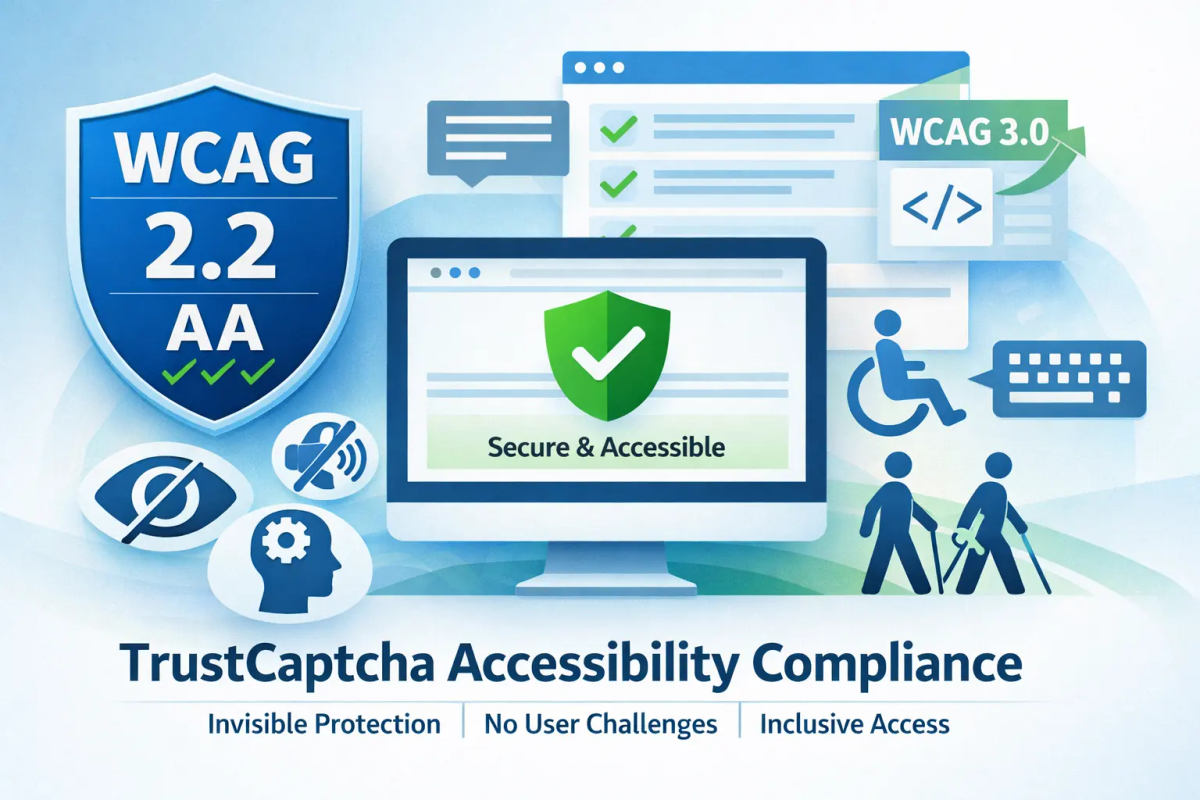
TrustCaptcha WCAG & Accessibility Compliance
Accessibility is a core requirement for modern digital services. TrustCaptcha is built to provide bot protection without introducing barriers for users with disabilities. This page explains how TrustCaptcha aligns with WCAG principles, why invisible CAPTCHAs matter for accessibility, and what you should document when deploying TrustCaptcha on an accessible website.
Traditional CAPTCHAs often create accessibility challenges by requiring users to see images, hear audio, solve puzzles, or perform fine motor tasks. TrustCaptcha takes a different approach: no interaction, no challenge, no exclusion.
What TrustCaptcha does
TrustCaptcha protects websites and digital services from automated abuse by generating a risk-based trust score for incoming interactions. The analysis happens automatically, without presenting any task or challenge to the user.
TrustCaptcha evaluates technical and behavioural signals in the background to identify patterns associated with bots, spam, credential stuffing, and automated attacks—while allowing legitimate users to proceed uninterrupted.
Why CAPTCHAs affect accessibility
Many traditional CAPTCHA mechanisms raise accessibility concerns because they:
- Require visual perception (image selection, distorted text)
- Require audio perception (spoken challenges)
- Demand cognitive interpretation under time pressure
- Introduce keyboard or focus traps
- Interrupt assistive technology workflows
These patterns can disadvantage users with visual, auditory, cognitive, or motor impairments and can conflict with WCAG success criteria if not carefully mitigated.
TrustCaptcha’s accessibility-first approach
TrustCaptcha is designed to avoid these issues entirely.
No user-facing challenge
TrustCaptcha does not present any CAPTCHA widget, checkbox, puzzle, image grid, or audio challenge. Users are not required to do anything extra to prove they are human.
Because there is no challenge:
- There is nothing to perceive
- Nothing to operate
- Nothing to understand or respond to
No interference with assistive technologies
TrustCaptcha does not inject interactive UI elements that could interfere with:
- Screen readers
- Keyboard-only navigation
- Voice control systems
- Switch devices or alternative input methods
This means TrustCaptcha does not introduce new focus points, ARIA requirements, or navigation complexity.
Alignment with WCAG principles
WCAG is structured around four principles: Perceivable, Operable, Understandable, and Robust (POUR). TrustCaptcha’s design supports these principles by minimizing surface area for accessibility risk.
Perceivable
TrustCaptcha does not rely on visual or audio cues. Users do not need to see, hear, or interpret anything to pass a CAPTCHA challenge.
Operable
There are no controls to operate, no time limits to manage, and no interaction required. Keyboard-only users are not blocked or diverted.
Understandable
Users are not asked to solve problems, interpret instructions, or understand why they failed a challenge. Legitimate users simply proceed.
Robust
TrustCaptcha does not interfere with semantic HTML, ARIA landmarks, or assistive technology parsing. It operates independently of the accessibility layer of your UI.
WCAG versions and standards context
TrustCaptcha is compatible with the Web Content Accessibility Guidelines (WCAG) 2.2 at Level AA. Its non-interactive, invisible design avoids many of the user-perception, operation, and comprehension barriers commonly associated with traditional CAPTCHA mechanisms.
Due to the absence of visual, audio, cognitive, or motor challenges, TrustCaptcha also aligns with certain WCAG Level AAA success criteria related to user interaction and perception. However, WCAG conformance at Level AAA is assessed at the level of the overall digital experience, and TrustCaptcha does not claim full AAA conformance independently of the surrounding application.
Side note: WCAG 3.0 guidelines are currently under development and introduce a more outcome-based accessibility model focused on user needs and functional outcomes rather than prescriptive success criteria. TrustCaptcha’s challenge-free, background-only approach aligns with this direction by reducing exclusion risk and supporting inclusive access across a wide range of user abilities as the standard evolves.
Accessibility statements and documentation
When publishing an accessibility statement, you may describe TrustCaptcha as a security control used to protect forms and critical user journeys from automated abuse with minimal to no interaction. TrustCaptcha performs its assessment in the background and does not require users to complete perception-based or interaction-heavy challenges (such as image selection, audio prompts, distorted text, or time-limited tasks). TrustCaptcha offers bot protection that is implemented in a manner intended to reduce common CAPTCHA-related accessibility barriers and support access for people using assistive technologies or alternative input methods, while maintaining the integrity and availability of the service.
Accessibility checklist for CAPTCHA usage
- CAPTCHA does not require visual, audio, or cognitive challenges
- No keyboard traps or focus interruptions
- No time-limited tasks
- No reliance on perception-based tests
- Accessible support path if a user is incorrectly blocked
Summary
TrustCaptcha is designed to deliver effective bot protection without sacrificing accessibility. By eliminating user challenges entirely, TrustCaptcha avoids many of the structural accessibility issues associated with traditional CAPTCHA systems and supports WCAG-aligned, inclusive digital experiences.