
'%3e%3crect%20width='32'%20height='24'%20fill='white'/%3e%3cpath%20fill-rule='evenodd'%20clip-rule='evenodd'%20d='M0%200V24H32V0H0Z'%20fill='%232E42A5'/%3e%3cmask%20id='mask0_270_67386'%20style='mask-type:luminance'%20maskUnits='userSpaceOnUse'%20x='0'%20y='0'%20width='32'%20height='24'%3e%3cpath%20fill-rule='evenodd'%20clip-rule='evenodd'%20d='M0%200V24H32V0H0Z'%20fill='white'/%3e%3c/mask%3e%3cg%20mask='url(%23mask0_270_67386)'%3e%3cpath%20d='M-3.56323%2022.2854L3.47846%2025.2635L32.1597%203.23787L35.874%20-1.18761L28.344%20-2.18297L16.6456%207.3085L7.22956%2013.7035L-3.56323%2022.2854Z'%20fill='white'/%3e%3cpath%20d='M-2.59924%2024.3719L0.988173%2026.1001L34.5402%20-1.59881H29.5031L-2.59924%2024.3719Z'%20fill='%23F50100'/%3e%3cpath%20d='M35.5631%2022.2854L28.5214%2025.2635L-0.159817%203.23787L-3.87415%20-1.18761L3.65593%20-2.18297L15.3543%207.3085L24.7703%2013.7035L35.5631%2022.2854Z'%20fill='white'/%3e%3cpath%20d='M35.3229%2023.7829L31.7355%2025.5111L17.4487%2013.6518L13.2129%2012.3267L-4.23151%20-1.17246H0.805637L18.2403%2012.0063L22.8713%2013.5952L35.3229%2023.7829Z'%20fill='%23F50100'/%3e%3cmask%20id='path-7-inside-1_270_67386'%20fill='white'%3e%3cpath%20fill-rule='evenodd'%20clip-rule='evenodd'%20d='M19.7777%20-2H12.2222V8H-1.97253V16H12.2222V26H19.7777V16H34.0275V8H19.7777V-2Z'/%3e%3c/mask%3e%3cpath%20fill-rule='evenodd'%20clip-rule='evenodd'%20d='M19.7777%20-2H12.2222V8H-1.97253V16H12.2222V26H19.7777V16H34.0275V8H19.7777V-2Z'%20fill='%23F50100'/%3e%3cpath%20d='M12.2222%20-2V-4H10.2222V-2H12.2222ZM19.7777%20-2H21.7777V-4H19.7777V-2ZM12.2222%208V10H14.2222V8H12.2222ZM-1.97253%208V6H-3.97253V8H-1.97253ZM-1.97253%2016H-3.97253V18H-1.97253V16ZM12.2222%2016H14.2222V14H12.2222V16ZM12.2222%2026H10.2222V28H12.2222V26ZM19.7777%2026V28H21.7777V26H19.7777ZM19.7777%2016V14H17.7777V16H19.7777ZM34.0275%2016V18H36.0275V16H34.0275ZM34.0275%208H36.0275V6H34.0275V8ZM19.7777%208H17.7777V10H19.7777V8ZM12.2222%200H19.7777V-4H12.2222V0ZM14.2222%208V-2H10.2222V8H14.2222ZM-1.97253%2010H12.2222V6H-1.97253V10ZM0.0274658%2016V8H-3.97253V16H0.0274658ZM12.2222%2014H-1.97253V18H12.2222V14ZM14.2222%2026V16H10.2222V26H14.2222ZM19.7777%2024H12.2222V28H19.7777V24ZM17.7777%2016V26H21.7777V16H17.7777ZM34.0275%2014H19.7777V18H34.0275V14ZM32.0275%208V16H36.0275V8H32.0275ZM19.7777%2010H34.0275V6H19.7777V10ZM17.7777%20-2V8H21.7777V-2H17.7777Z'%20fill='white'%20mask='url(%23path-7-inside-1_270_67386)'/%3e%3c/g%3e%3c/g%3e%3cdefs%3e%3cclipPath%20id='clip0_270_67386'%3e%3crect%20width='32'%20height='24'%20fill='white'/%3e%3c/clipPath%3e%3c/defs%3e%3c/svg%3e)
'%3e%3crect%20width='32'%20height='24'%20fill='white'/%3e%3cpath%20fill-rule='evenodd'%20clip-rule='evenodd'%20d='M0%2016H32V24H0V16Z'%20fill='%23FFD018'/%3e%3cpath%20fill-rule='evenodd'%20clip-rule='evenodd'%20d='M0%208H32V16H0V8Z'%20fill='%23E31D1C'/%3e%3cpath%20fill-rule='evenodd'%20clip-rule='evenodd'%20d='M0%200H32V8H0V0Z'%20fill='%23272727'/%3e%3c/g%3e%3cdefs%3e%3cclipPath%20id='clip0_270_67353'%3e%3crect%20width='32'%20height='24'%20fill='white'/%3e%3c/clipPath%3e%3c/defs%3e%3c/svg%3e)
'%3e%3crect%20width='32'%20height='24'%20fill='white'/%3e%3cpath%20fill-rule='evenodd'%20clip-rule='evenodd'%20d='M22%200H32V24H22V0Z'%20fill='%23F50100'/%3e%3cpath%20fill-rule='evenodd'%20clip-rule='evenodd'%20d='M0%200H12V24H0V0Z'%20fill='%232E42A5'/%3e%3cpath%20fill-rule='evenodd'%20clip-rule='evenodd'%20d='M10%200H22V24H10V0Z'%20fill='%23F7FCFF'/%3e%3c/g%3e%3cdefs%3e%3cclipPath%20id='clip0_270_67361'%3e%3crect%20width='32'%20height='24'%20fill='white'/%3e%3c/clipPath%3e%3c/defs%3e%3c/svg%3e)
What Google reCAPTCHA is and how it protects
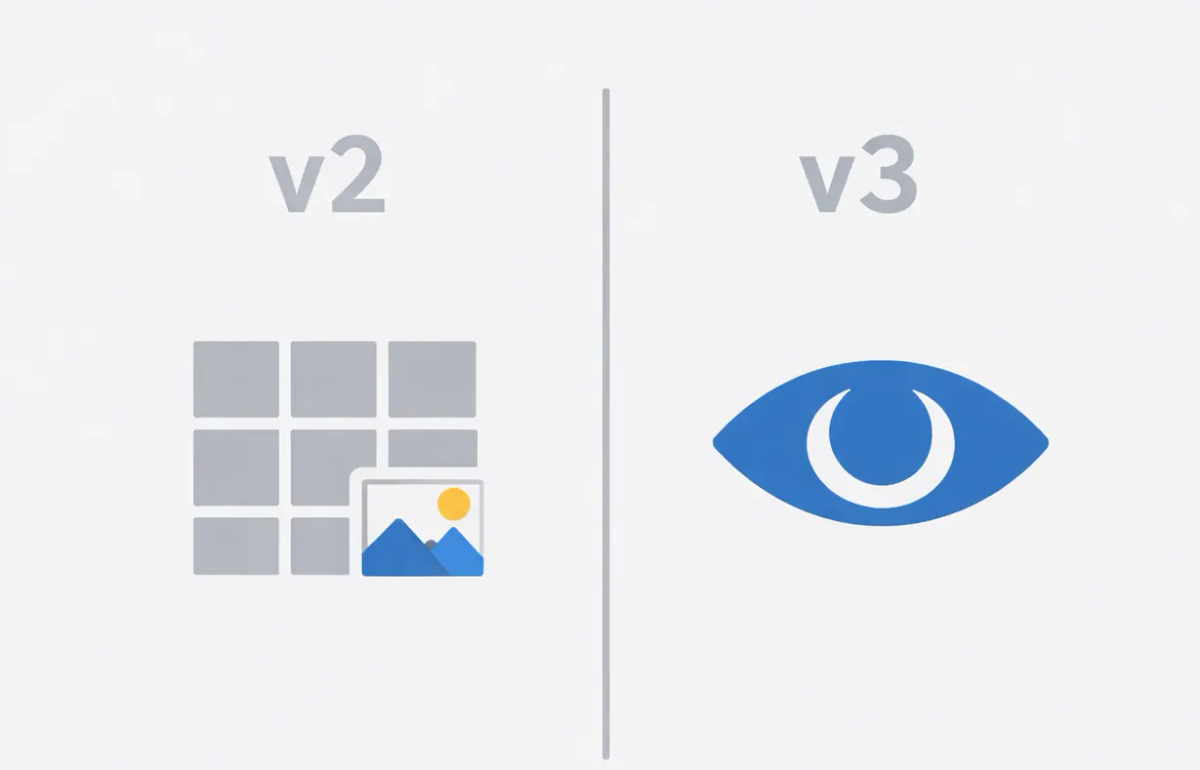
Google reCAPTCHA is a bot-detection and abuse-prevention service typically placed in front of actions that are easy to automate: form submissions, account creation, login attempts, password resets, and certain transactional steps.
At a high level, reCAPTCHA tries to answer one question: is this interaction likely human? It does that using a mix of risk assessment signals and, when it can’t decide confidently, interactive steps.
Why teams evaluate alternatives to reCAPTCHA
For businesses, switching away from reCAPTCHA is usually driven by one of the following:
1) Unpredictable UX in real-world environments
reCAPTCHA can feel seamless for one user and intrusive for another. Users behind strict corporate policies, privacy tools, VPNs, or certain browser configurations may see more frequent escalation into interactive steps. When this happens during login or checkout, the “security improvement” becomes a conversion cost.
2) Privacy and consent complexity
In regulated regions, a solution that relies on cookies or extensive telemetry usually triggers consent flows, legal review, documentation, and ongoing governance work. That overhead often outweighs the convenience of sticking with the familiar option.
3) Accessibility and inclusion risk
Image and audio alternatives can still be difficult for users with disabilities, users with cognitive load challenges, or users relying on assistive technologies. Even if only a small percentage of users are impacted, enterprises are increasingly sensitive to this risk because it becomes both a customer experience issue and a compliance issue.
Those pressures are why reCAPTCHA Alternatives have become a common procurement topic.
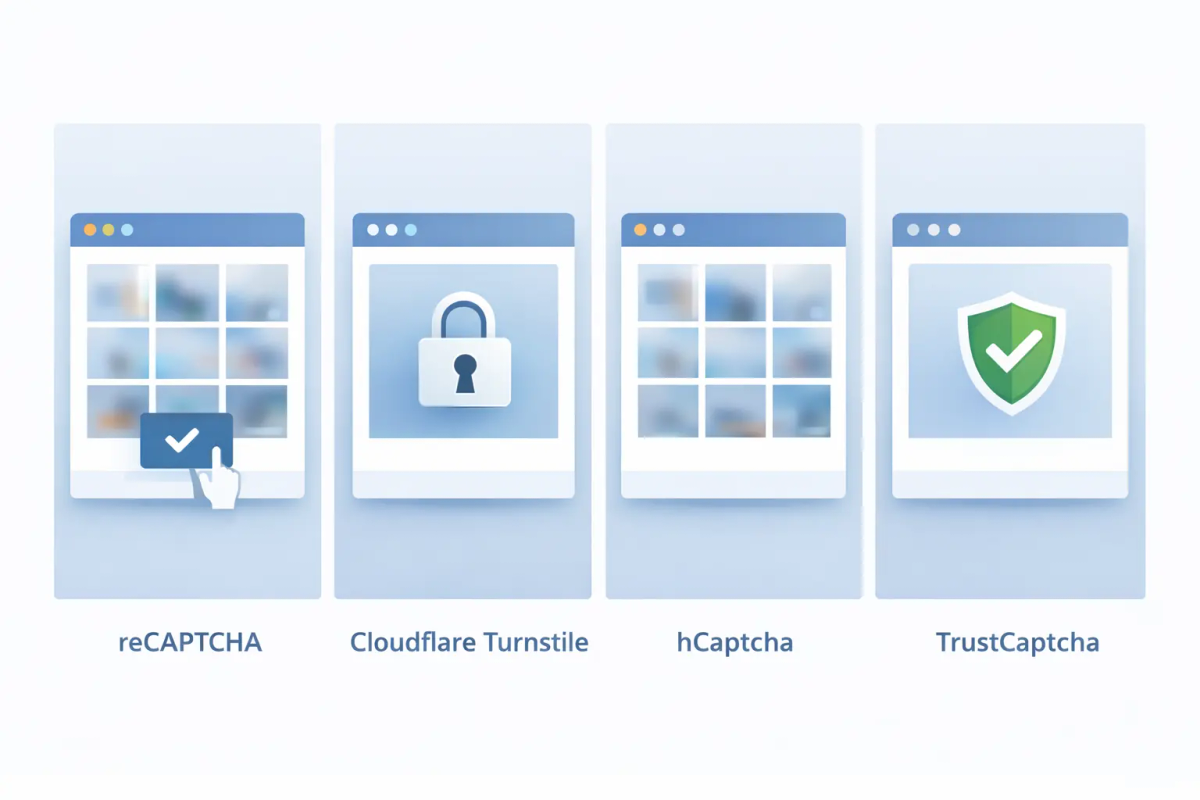
The top reCAPTCHA Alternatives for enterprises
1) TrustCaptcha
TrustCaptcha is designed for teams that want strong bot protection without making real users perform security tasks. The core idea is to keep verification in the background and make automation expensive to run at scale.
How TrustCaptcha protects applications
TrustCaptcha focuses on invisible verification with mechanisms that discourage scalable abuse. This is archieved by proof-of-work computation: the client device completes a lightweight computational task that is hardly noticable for legitimate users but makes high-volume bot attacks inefficient.
Now, the defensive question becomes “can the bot afford to keep trying at scale?” That shift matters because modern attackers don’t just attempt one request, they attempt thousands or millions.
TrustCaptcha can also incorporate adaptive checks that evaluate request context and behavior without forcing the user into a visible challenge. In enterprise deployments, this typically enables different enforcement levels per endpoint, because signup, login, password reset, and checkout have very different risk profiles.
Pros
- Invisible user experience for real users
- Proof-of-work style deterrence that raises the cost of automation at scale
- Strong accessibility posture because verification does not depend on visual tasks
- Enterprise-friendly policy tuning across endpoints and risk levels
- Designed to remain effective as AI-assisted automation improves
Cons
- Limited free trial (intended for evaluation rather than indefinite production use)
2) Cloudflare Turnstile
Cloudflare Turnstile positions itself as a “no puzzle” approach and often appeals to teams who want less friction than classic CAPTCHAs. In many cases it can verify users silently, which is the right direction for modern UX.
However, in enterprise environments the experience can still become inconsistent when confidence drops. If the browser environment is unusual, e.g. due to strict corporate controls, privacy tooling, older client setups, or constrained execution, Turnstile can escalate or deny access. For high-value flows, that behavior creates support tickets and lost conversions.
Pros
- Low visible friction for many users
- Strong fit for teams already deep in the Cloudflare ecosystem
- Often avoids classic image puzzles
Cons
- Can still hard-block legitimate users in edge cases
- Less predictable across heterogeneous enterprise environments
- Decisioning can feel opaque to buyers who need audit-friendly controls
3) hCaptcha
hCaptcha is often chosen by teams who want a straightforward, challenge-based approach that looks familiar to users. It typically relies on image selection tasks, which are easy to understand and quick to deploy.
The challenge model is also the problem for many enterprise buyers: it shifts the verification burden onto users, adds friction in conversion-sensitive flows, and can produce accessibility barriers. In 2026, the durability of image puzzles is also under pressure, because automation can solve or outsource them at scale while real users still pay the time and annoyance cost.
Pros
- Familiar challenge format that users might recognize
- Straightforward deployment pattern
- Can reduce basic automated spam in low-risk flows
Cons
- Higher friction by design (puzzles interrupt important journeys)
- Weaker accessibility experience for many user groups
- Less future-proof as AI-assisted solving and outsourcing improve
Side-by-side comparison table
Below is a scan-friendly table that keeps UX and privacy descriptive, and standardizes the rest.
| Capability | TrustCaptcha | Cloudflare Turnstile | hCaptcha | Google reCAPTCHA (baseline) |
|---|---|---|---|---|
| UX | Invisible, no user interaction | Mostly invisible, can hard-block | Intrusive by design | Inconsistent, challenge fallbacks |
| Privacy overhead | Low, privacy-first | Moderate, opaque | Medium | High (consent & telemetry) |
| Accessibility | High | Medium | Low | Medium |
| AI bot resistance | High | High | Medium | Medium–High |
| Enterprise control | High | Medium | Low | Medium |
| Visual customization | High | Low | Medium | Very Low |
| Key drawback | Limited free trial | Edge-case lockouts | UX & accessibility | UX & compliance overhead |
What makes TrustCaptcha the most practical choice for IT buyers
Most businesses want three outcomes at once:
- Protection that scales as bots scale
- CAPTCHA that stays invisible
- Privacy and accessibility
Turnstile and reCAPTCHA both aim to reduce puzzles, but they still depend heavily on being able to interpret browser signals and context consistently. When confidence drops, user experience can change abruptly. hCaptcha is more predictable in the sense that it always asks the user to do something, but that predictability comes at the expense of conversion and accessibility.
TrustCaptcha is the option that best aligns with the modern direction of bot defense: keep verification invisible and shift cost to automation. Proof-of-work style checks are especially valuable here because they target the economics of abuse. Attackers can still try, but scaling becomes expensive, slower, and less reliable, while legitimate users typically don’t notice anything.
Try TrustCaptcha for free
If you want to evaluate effectiveness with your own traffic, the fastest way is to pilot on a small set of endpoints (signup, login, password reset) and compare conversion impact and bot reduction.
Try TrustCaptcha for free: https://id.trustcomponent.com/signup