

Introduction
Every website you visit sees your IP address, and with it roughly where you are and which network you use. Over time, these traces say a lot about your identity and interests. A proxy is a simple way to hide your IP address and browse more anonymously. To use one safely, it helps to know how a proxy works, which types exist, where the security risks lie and how websites defend themselves against proxy-based attacks.
What is a proxy and why is it important?
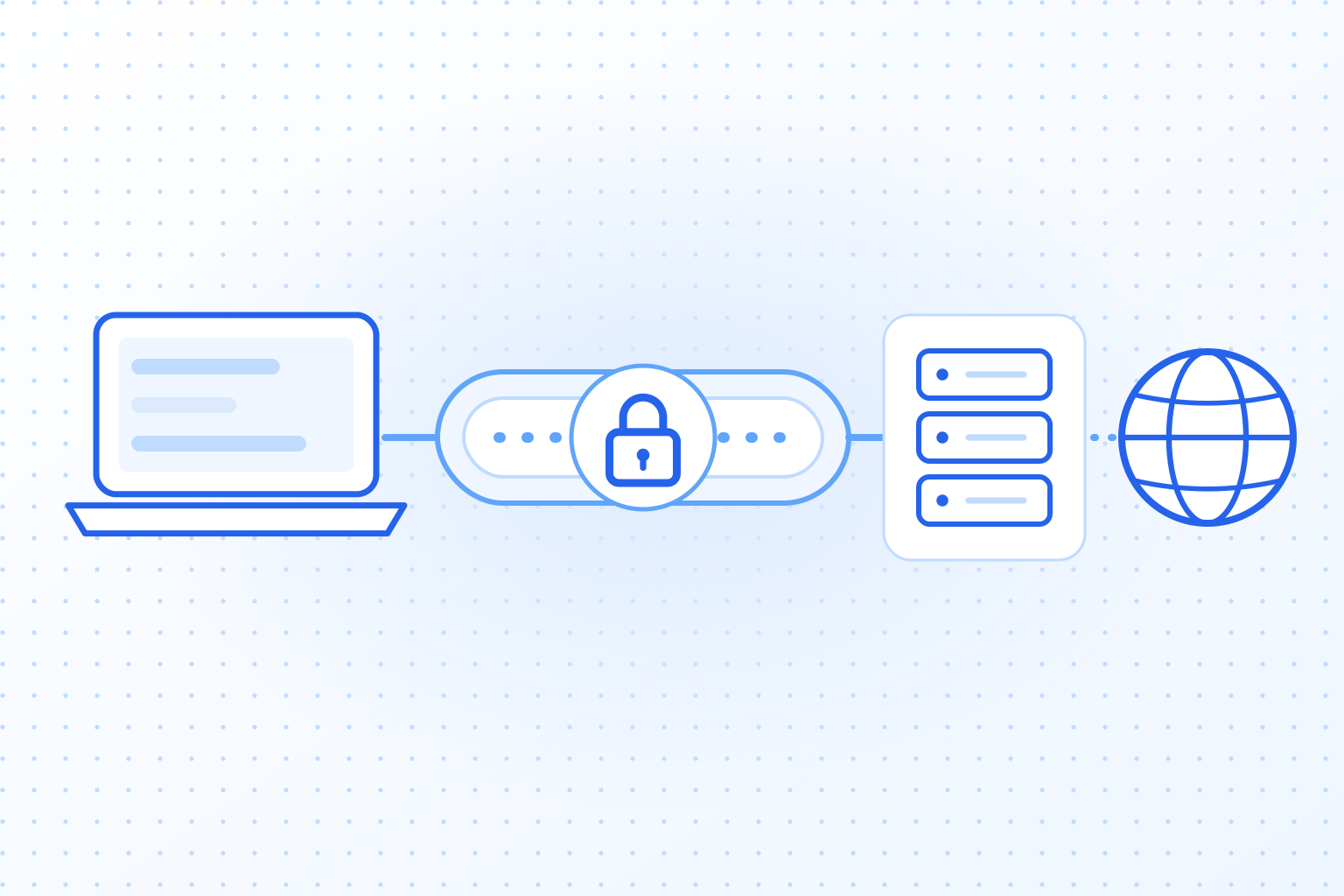
A proxy server acts as an intermediary between the user and the internet. When you visit a website through a proxy, your request is first sent to the proxy server. This server retrieves the information from the website and forwards it to you. In this way, your real IP address remains hidden, and the target website only sees the IP address of the proxy server.
- Privacy: Proxies hide the user’s real IP address.
- Access to restricted content: Geographic restrictions can be bypassed using proxies.
- Efficiency: In networks, proxies can deliver data faster and save bandwidth.
For many people, a proxy is the first privacy tool they try: you enter it in your browser settings, and websites no longer see your own address. A proxy does not encrypt your traffic, though, and that limit comes up again below.
How does a proxy work technically?
Technically, a proxy works as a relay for data traffic. When a user opens a website, the request does not go straight to the target server but through the proxy server. On the way, the user’s IP address is replaced by that of the proxy server.
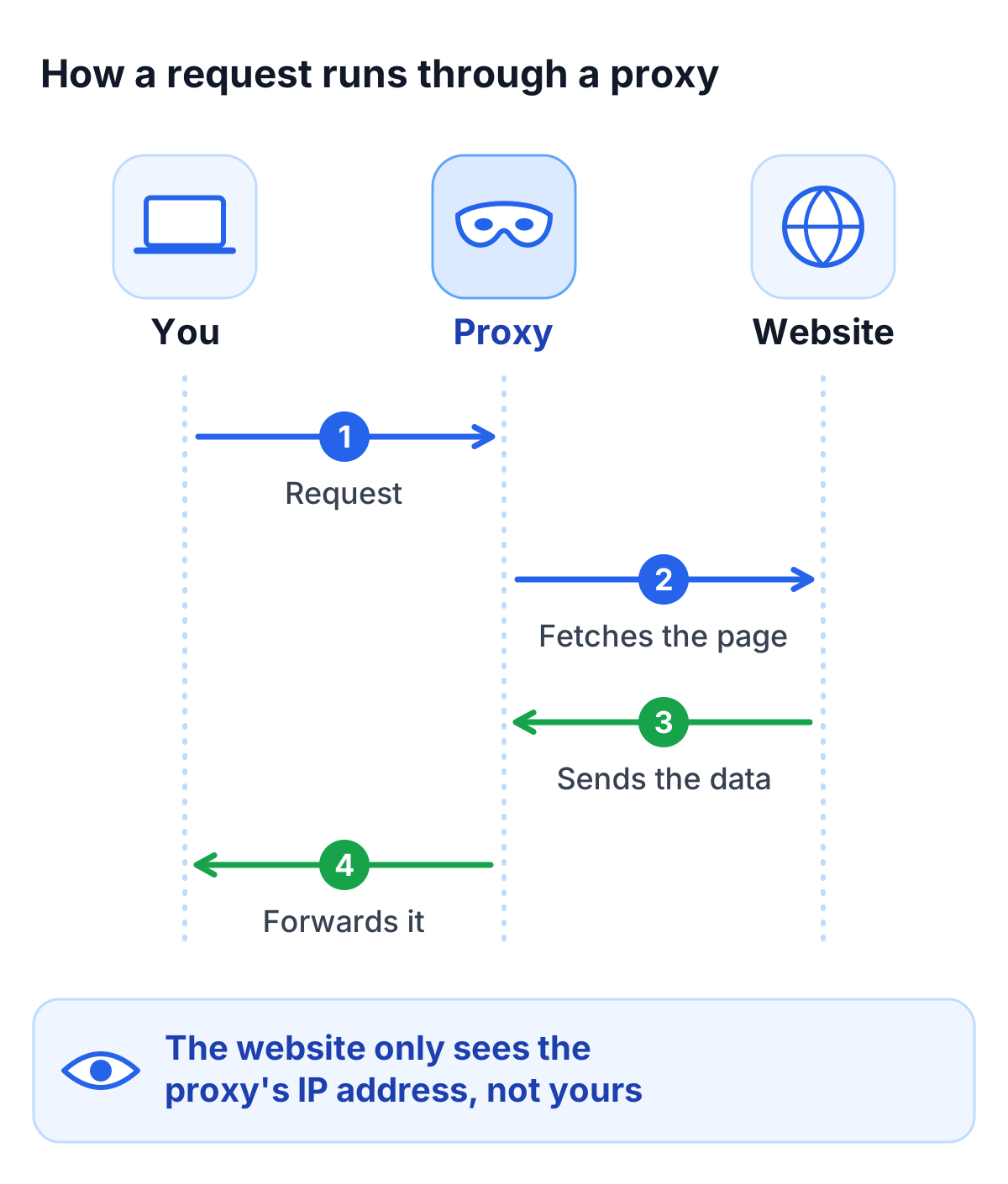
Data flow in detail
- The user makes a request, such as visiting a website.
- The request is sent to the proxy server.
- The proxy server contacts the target site and retrieves the requested data.
- The target site delivers the data to the proxy, which then forwards it to the user.
What matters is the last step: the target site only sees the IP address of the proxy server and cannot trace the request back to the original user.
Types of proxies
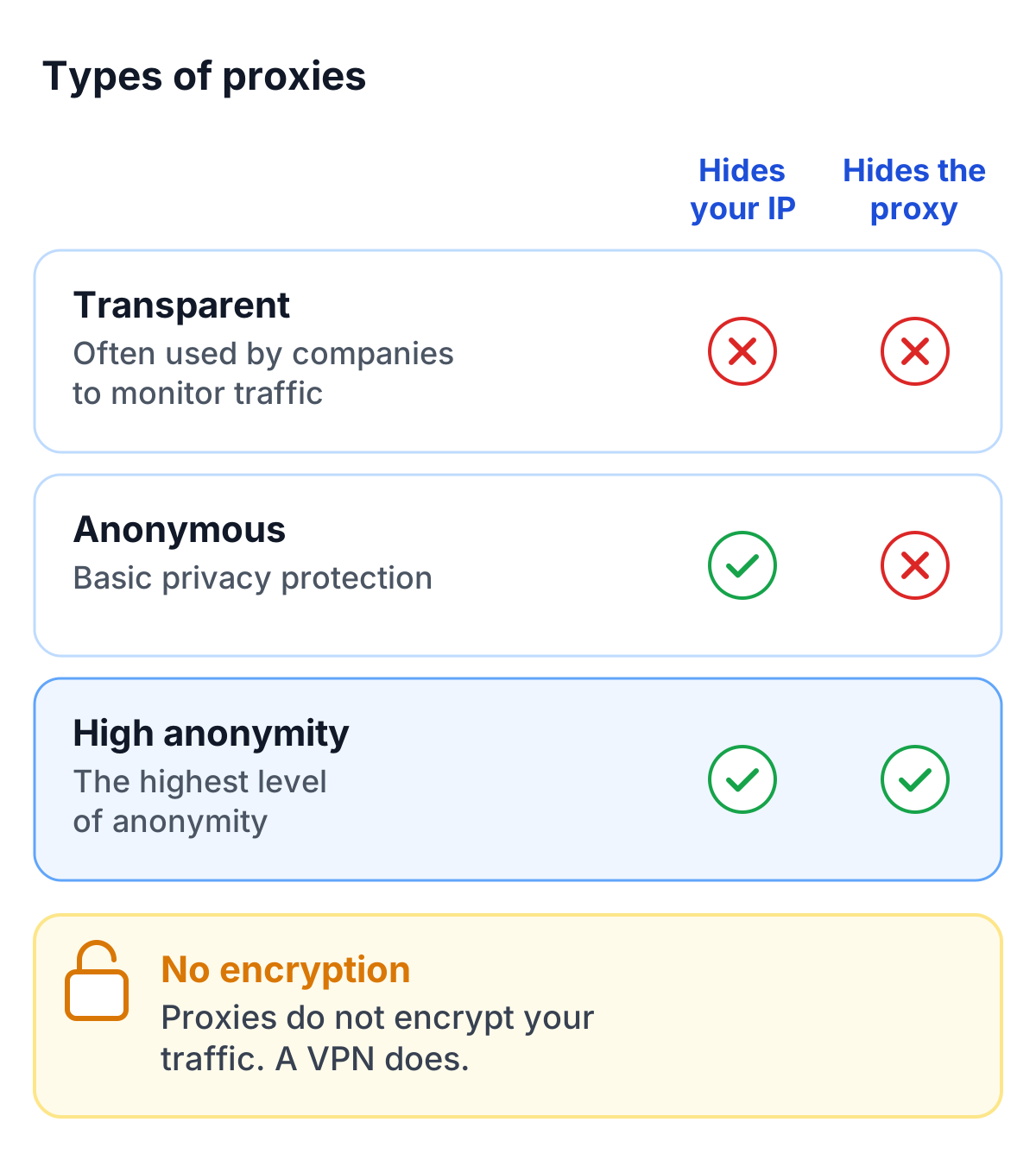
Proxies differ in how much they hide:
- Transparent proxies: These forward requests without hiding the user’s IP address. They are often used in companies to monitor data traffic.
- Anonymous proxies: These hide the user’s IP address so that the target site only recognizes the proxy. This variant provides basic privacy protection.
- High-anonymity proxies: They offer the most anonymity. They hide the user’s IP address and also the fact that a proxy is being used.
Advantages and disadvantages of using proxies
Advantages
- Privacy and data protection: Proxies protect the user’s identity by hiding the real IP address. This makes tracking and surveillance more difficult.
- Access to blocked content: Users can bypass geographic restrictions and access content that is blocked in their country.
- Network optimization: Proxies often cache frequently accessed content, reducing load times and saving bandwidth.
Disadvantages
- Security risks with free proxies: Some free services store data or are vulnerable to attacks.
- Speed losses: Routing data through proxy servers can cause delays, especially with overloaded servers.
- No encryption: Proxies do not encrypt data traffic. If you need that, a VPN is the better choice.
Applications of proxies
Proxies are used in both private and business environments:
- Personal privacy: Users can browse anonymously, hide their IP address, and prevent tracking.
- Bypassing geoblocking: With a proxy in another country, streaming services or websites with regional restrictions often become reachable.
- Network security in companies: Companies use proxies to control access to specific websites and optimize data traffic.
- Defense against attacks: Proxies can act as a barrier by blocking suspicious data traffic or IP addresses from specific regions.
Challenges of proxy-based attacks
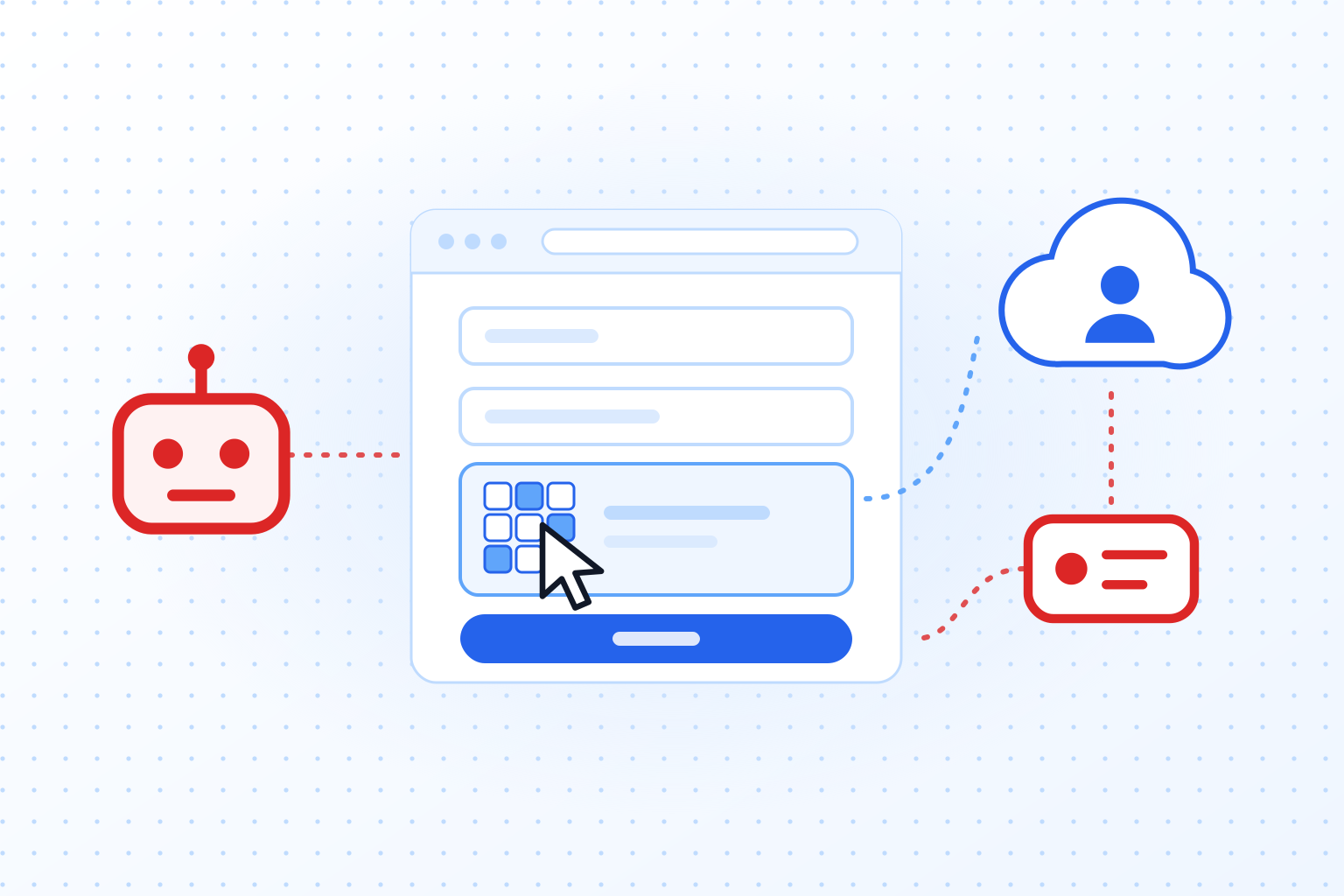
The same features that protect privacy also help attackers. They use proxies to hide who they are while running automated attacks on websites, and they switch IP addresses constantly to get around blocks and rate limits. That is why IP blocking alone rarely stops bots, as the article on how bots bypass CAPTCHAs explains. Particularly affected are websites with login forms, online stores, and platforms that rely on sensitive user data.
A CAPTCHA such as TrustCaptcha therefore does not rely on the IP address alone. Every request has to solve a proof-of-work that costs computing time, and switching to a new proxy IP does not make that cost go away. On top of that, a bot score rates the request as a whole, so automated systems have a harder time reaching login forms and other protected areas.
Tips for secure proxy usage
If you use a proxy yourself, keep these points in mind:
- Choose trusted providers: Paid services usually have better security and clearer privacy policies.
- Optimize proxy settings: Many browsers let you set a proxy directly. Check the settings carefully, because a wrong entry can leave gaps.
- Additional protection measures: A proxy is one layer. Combine it with other tools, such as a VPN when you need encryption.
Conclusion
A proxy works by standing in for you: it sends your requests under its own IP address. That is enough to get around geographic restrictions, make tracking harder and cache content in company networks. It is not encryption, and a free proxy may log everything you send through it.
For website operators, proxies are the reason IP blocklists rarely work for long, so protection for logins and forms has to look beyond the IP address.