

What is a brute-force attack?
A brute-force attack tries to gain unauthorized access by guessing: the attacker systematically tries passwords or keys until one works. It is one of the oldest attack methods, and with modern automation tools millions of combinations can be tested in a very short time.
Many organizations and individuals underestimate brute-force attacks. Protecting against them is not complicated, though, once you understand how they work and apply proven security measures.
How do brute-force attacks work?
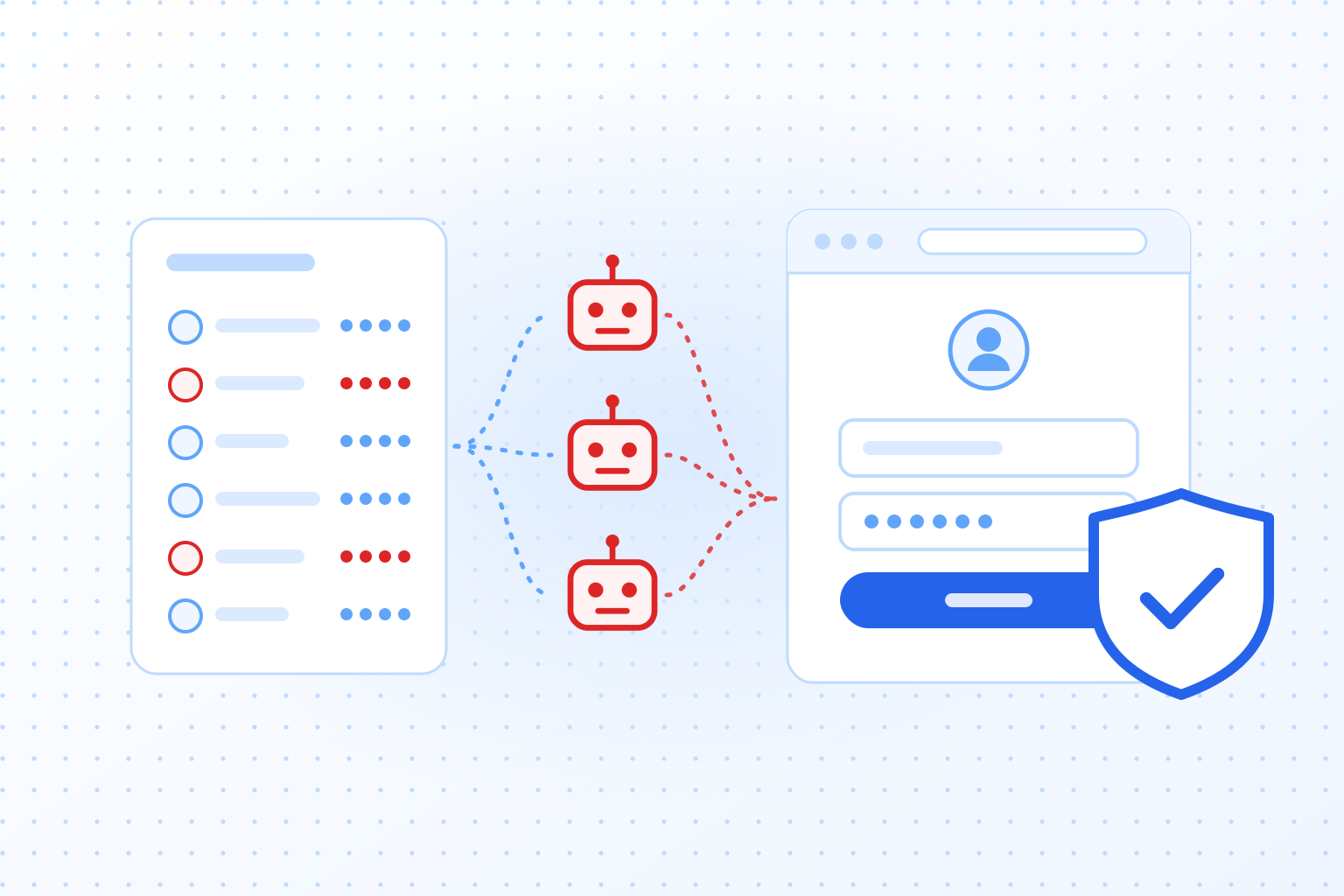
In a brute-force attack, the attacker relies on systematic trial and error to gain access to a system. Special software is used to repeatedly test passwords or keys until the correct combination is found. Systems without additional security measures, such as lockout mechanisms or multi-factor authentication, are particularly at risk.
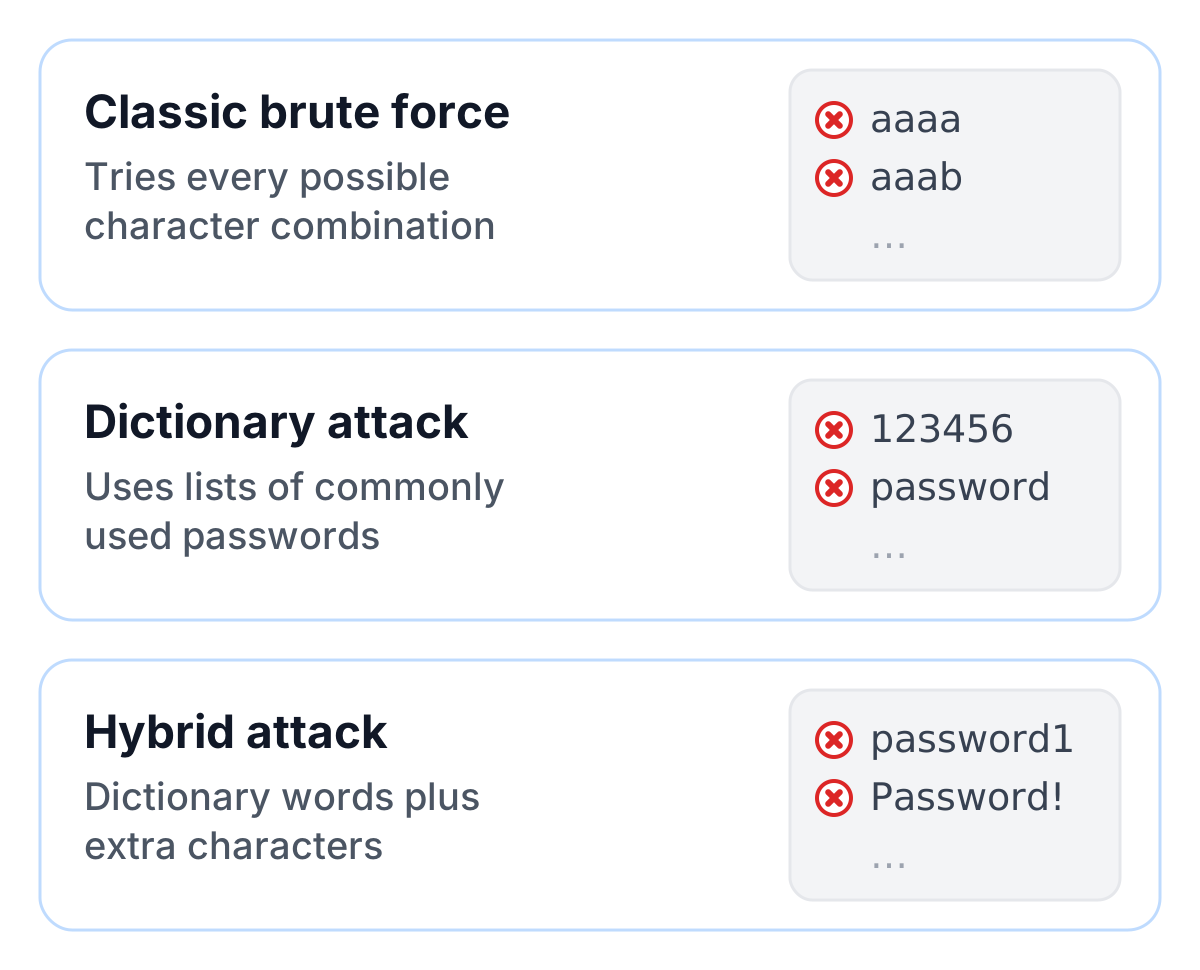
The most common variants are:
- Classic brute-force attacks, where every possible character combination is tested.
- Dictionary attacks, which use predefined lists of commonly used passwords.
- Hybrid attacks, which combine dictionaries with additional characters or variations.
The real problem is that many users still rely on simple, reused passwords. “123456” and “password” are still among the most common passwords, and a dictionary attack finds them in seconds.
Consequences and risks of a successful attack
The consequences of a successful brute-force attack can be far-reaching. For businesses, such an incident could mean that confidential customer data is stolen, which may later be used for identity theft or extortion. Financial losses due to lost revenue or costly recovery efforts are also common.
For individuals, a lost password or a hijacked account is often just the beginning. Attackers use the data to get into other services, often through “credential stuffing,” where passwords stolen from one service are tried on other platforms.
The main risks include:
- Identity theft: Attackers can use stolen data to cause further harm.
- Reputation damage: Businesses lose the trust of their customers and partners.
- Financial losses: Recovering data and systems is time-consuming and expensive.
Additionally, brute-force attacks strain networks and servers. Repeated login attempts can overload infrastructure, negatively impacting the availability of services.
Effective countermeasures against brute-force attacks
No single measure is enough against brute-force attacks. You need technical safeguards and safe habits together.
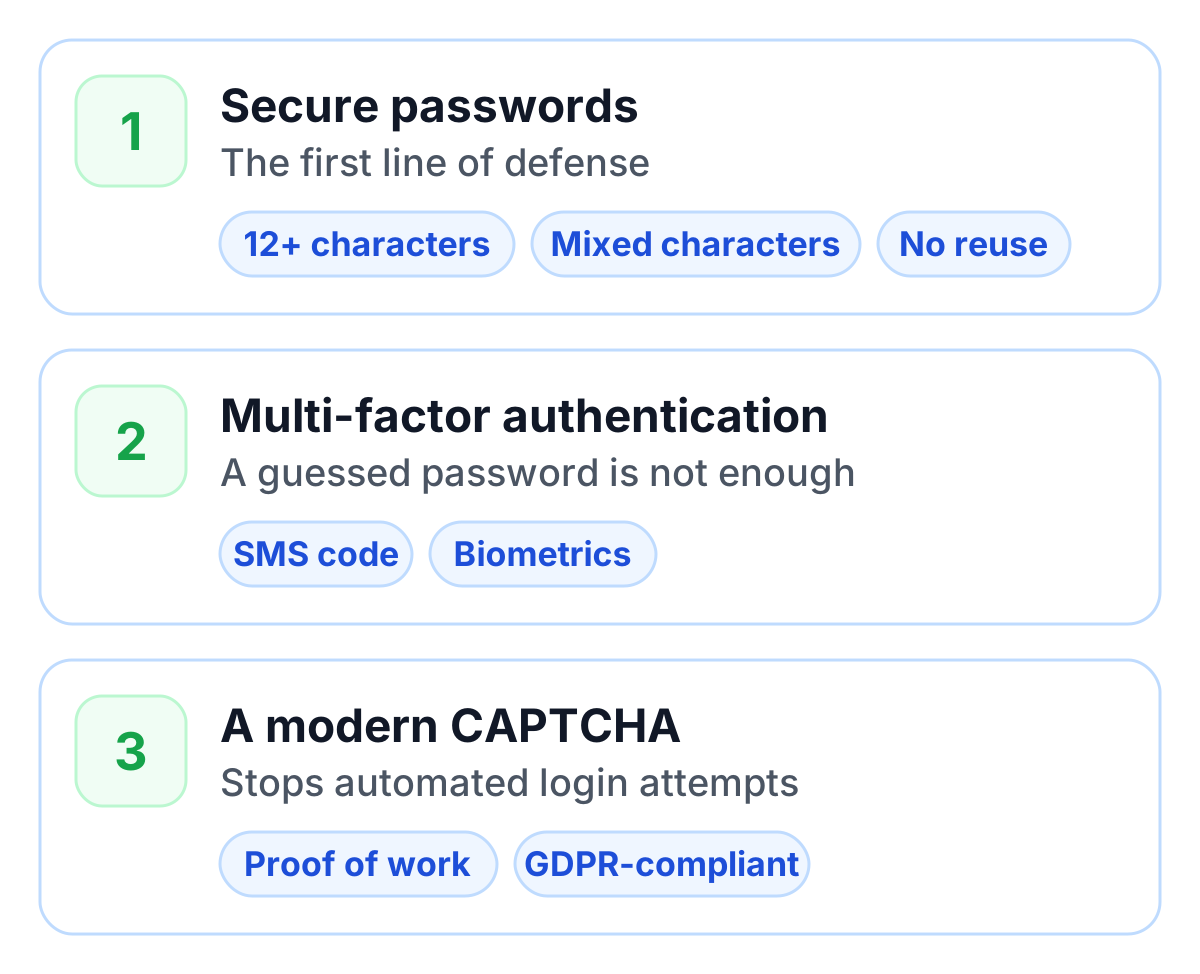
1. Use secure passwords
Protection against brute-force attacks starts with a strong password. Follow these basic rules:
- Passwords should be at least 15 characters long; length counts for more than special characters.
- Use a passphrase of several random words, or let a password manager generate the password.
- Avoid reusing passwords.
A password manager can help create and store long, unique passwords securely.
2. Multi-factor authentication (MFA)
MFA is one of the most effective methods to prevent brute-force attacks. Even if a password is guessed, access remains blocked because a second authentication factor, such as an SMS code or biometric feature, is required.
3. Add a CAPTCHA to the login
A modern CAPTCHA service such as TrustCaptcha on the login form adds another layer. Every login attempt has to complete a proof-of-work task that gets harder for risky requests, and a bot score flags automated attempts. For an attacker who needs millions of guesses, that cost adds up fast, while real users notice nothing. TrustCaptcha is GDPR-compliant and works without cookies.
The role of modern technologies
Artificial intelligence and better automation have made brute-force attacks faster. Attackers are increasingly using AI-driven algorithms to crack passwords faster and more precisely. These systems can analyze patterns in passwords and optimize attacks accordingly.
Defenders have better tools too. Intrusion detection systems (IDS) and web application firewalls (WAF) monitor traffic and block suspicious activities. Combining these technologies with a CAPTCHA on the login gives businesses solid brute force protection.
Conclusion: how to stop brute-force attacks
Brute-force attacks are simple, and that is exactly why they never go away: they cost attackers almost nothing to run. Strong, unique passwords, multi-factor authentication and a modern CAPTCHA on the login form make each guess expensive enough that the attack stops paying off.
Add monitoring so you notice repeated failed logins, and review your measures from time to time. Attack tools keep getting faster, and the protection has to keep up.